How to Create a Video Birthday Invitation in 60 Seconds (Without Editing a Single Frame)
Dec 11, 2025
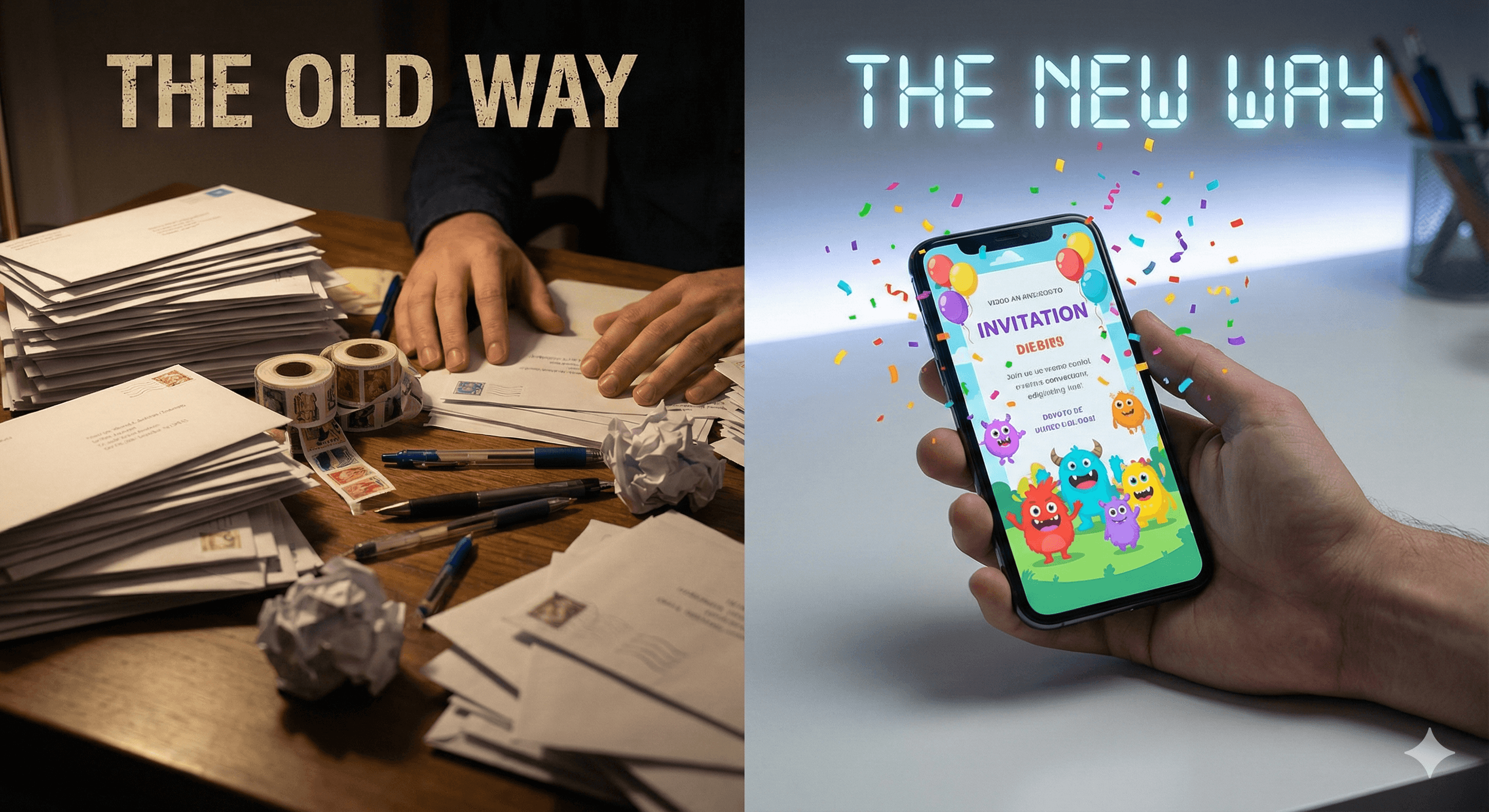
Let's be honest: planning a kid's birthday party shouldn't require a graphic design degree.
For years, parents faced the same exhausting cycle. Buy expensive paper invitations that end up in backpacks. Send WhatsApp images that get lost in group chat chaos. Or spend three hours fighting with generic design tools, trying to figure out why the text won't align and the music won't sync.
There's a better way. And it takes less time than brewing your morning coffee.
What Is a Video Birthday Invitation?
A video birthday invitation is a short, animated announcement (usually 15-30 seconds) that brings your party to life before it even starts. Think of it as a movie trailer for your event—complete with music, animation, and your child's name in lights.
Unlike static images or paper cards, video invitations:
Stand out in crowded group chats: While text messages get ignored, videos auto-play and grab attention instantly.
Set the party vibe immediately: Is it a superhero party? A unicorn disco? A dinosaur adventure? The video shows it in seconds.
Get faster RSVPs: According to our data, parents respond to video invites 2-3x faster than static images.
Work on any device: No apps to download, no special software needed.
Why Parents Are Ditching Canva Templates
Don't get us wrong—Canva is incredible for work presentations and social media graphics. But when it comes to birthday party invitations, templates have a hidden cost: your time.
The Template Trap
Here's what actually happens when you use a template:
Browse 200+ options trying to find "the one".
Drag and drop elements that won't stay where you put them.
Search for the right font (then realize it's behind a paywall).
Try to add music and sync it manually.
Three hours later: still not done.
Tools like Blast were built to solve this differently. We believe you should generate content, not edit it. No dragging, no timeline editing, no design decisions.
How to Make a Video Birthday Invitation in 3 Steps
You don't need video editing experience. You don't even need a computer. Here's the complete process:
Step 1: Choose Your Theme
Select a pre-designed theme that matches your party. Whether it's Superheroes, Unicorns, Space, or even Office Holiday Parties for the grown-ups. Each theme includes professional animations, licensed music, and color schemes that actually work together.
Step 2: Enter Party Details
Type in the essential information:
Child's name
Age they're turning
Party date and time
Location
The platform automatically formats everything with proper spacing, font sizes, and positioning. You're not adjusting pixels—you're just filling in blanks.
Step 3: Generate and Share
Click generate. Wait 30-60 seconds. Done. You'll receive a high-quality video (usually 1080p or 4K) that is ready to share.
Video Invitations vs. Static Images: The WhatsApp Factor
Here's where video invitations truly shine: mobile behavior.
When you send a static image on WhatsApp, parents scroll past it. It gets buried under other messages in minutes. But when you send a video invitation:
It auto-plays as parents scroll.
Music and movement grab attention immediately.
It feels special (even though it took you 2 minutes).
Grandparents watch it multiple times and forward it to relatives.
Real parent feedback: "I sent the Blast video link and had 15 RSVPs within an hour. With paper invites last year, I was still chasing people the day before the party."
Common Questions
Do I need special software?
No. Blast works entirely in your web browser or through mobile. No downloads, no installations.
What if parents don't have the right app?
Video invitations typically share as web links. Anyone with a smartphone can click and view—no apps required. They work on iPhone, Android, and even basic mobile browsers.
How much does it cost?
Unlike free tools that leave ugly watermarks, professional generators like Blast charge a small fee (less than a cup of coffee) to ensure you get a premium, ad-free, 4K video that you can keep forever. It's still far cheaper than buying 30 paper invites and stamps.
Can I reuse the video for thank-you messages?
Absolutely. Many parents generate a second video after the party as a "thank you for coming" message with photos from the event.
The Bottom Line: Time Is Your Most Valuable Resource
Birthday parties will always involve logistics—coordinating schedules, ordering cakes, managing RSVPs. But at least one part of the process can be effortless.
Video invitations aren't about showing off. They're about reclaiming your time while still creating something memorable for your child.